Uninstall
This documentation will walk you through uninstalling the Infinity Vault Add-In for Microsoft Office.
Note
This may become necessary to install a more recent version of the Infinity Vault Add-in.
Prerequisites
These instructions were written for Windows 10 and Office 2013. Additional versions of Word and Windows should be fairly similar.
- An existing installation of Microsoft Word
- Infinity Vault Installation
Uninstallation Steps
In Windows, open Control Panel and click Programs - Uninstall A Program to open the Control Panel dialog
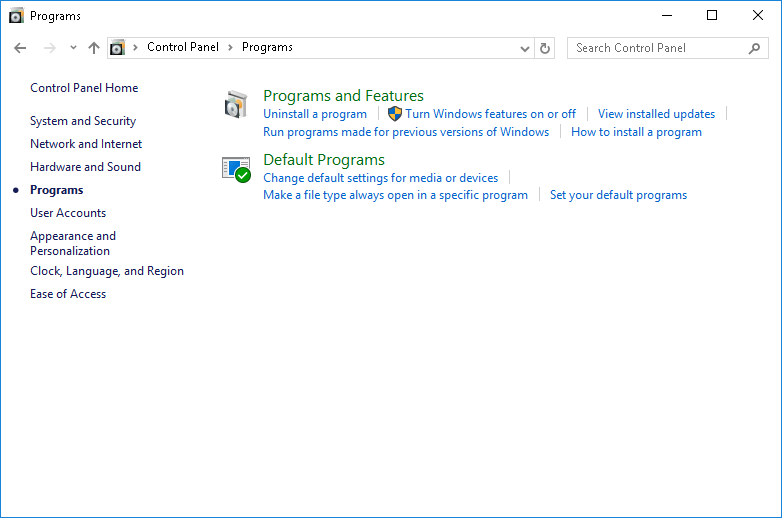
In the lower left corner, click Programs and Features - Uninstall a program to open the Programs dialog
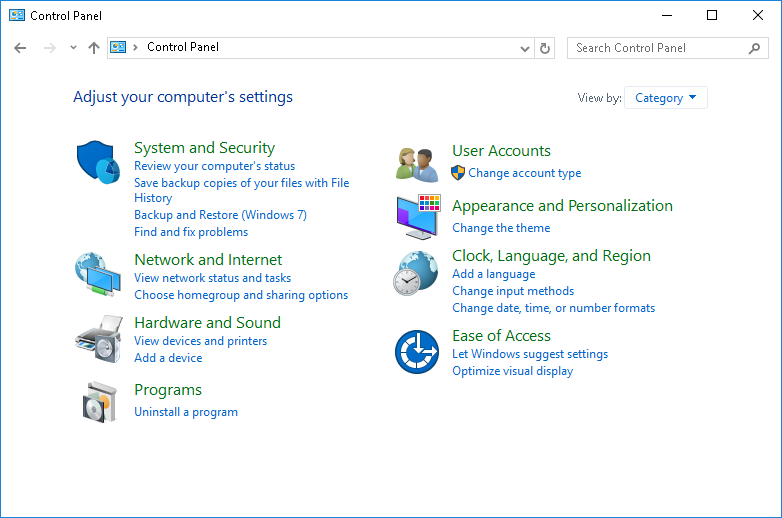
Now under Programs and Features click Uninstall a program to open the Programs and Features dialog
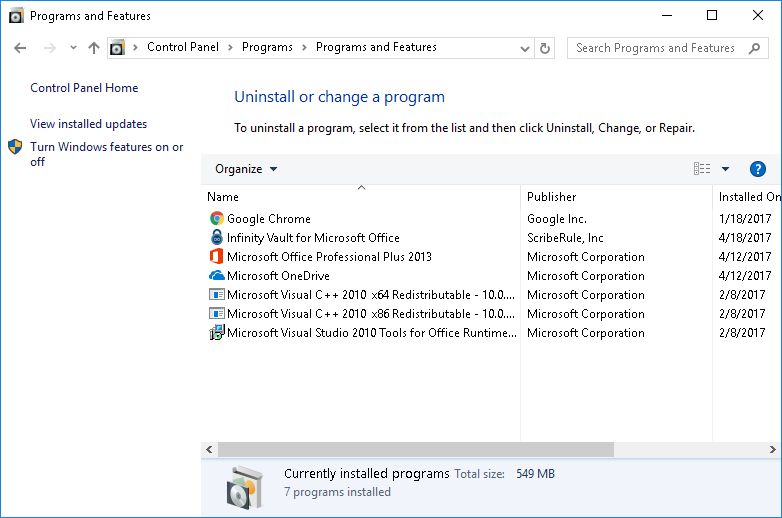
In the Programs and Features dialog, you can either double-click Infinity Vault for Microsoft Office or click and select the Uninstall option in the ribbon menu to start the Uninstall process.
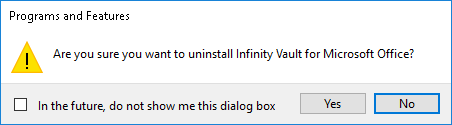
One final step remains which is the Programs and Features confirmation dialog in which you click Yes to confirm that you wish to remove the Infinity Vault for Microsoft Office.
The system will then run through a brief series of progress bars and informational screens to complete the uninstallation process.
Next Steps
Infinity Vault for Microsoft Office has now been uninstalled and you can begin the process of installing a newer version. For additional information please reference the Installation Documentation.