Open an existing document in Infinity Vault
This document will walk you through opening an existing document in Infinity Vault.
Prerequisites
Microsoft Word with the Infinity Vault Add-in for Office installed.
Open an existing Infinity Vault document
Open Word.
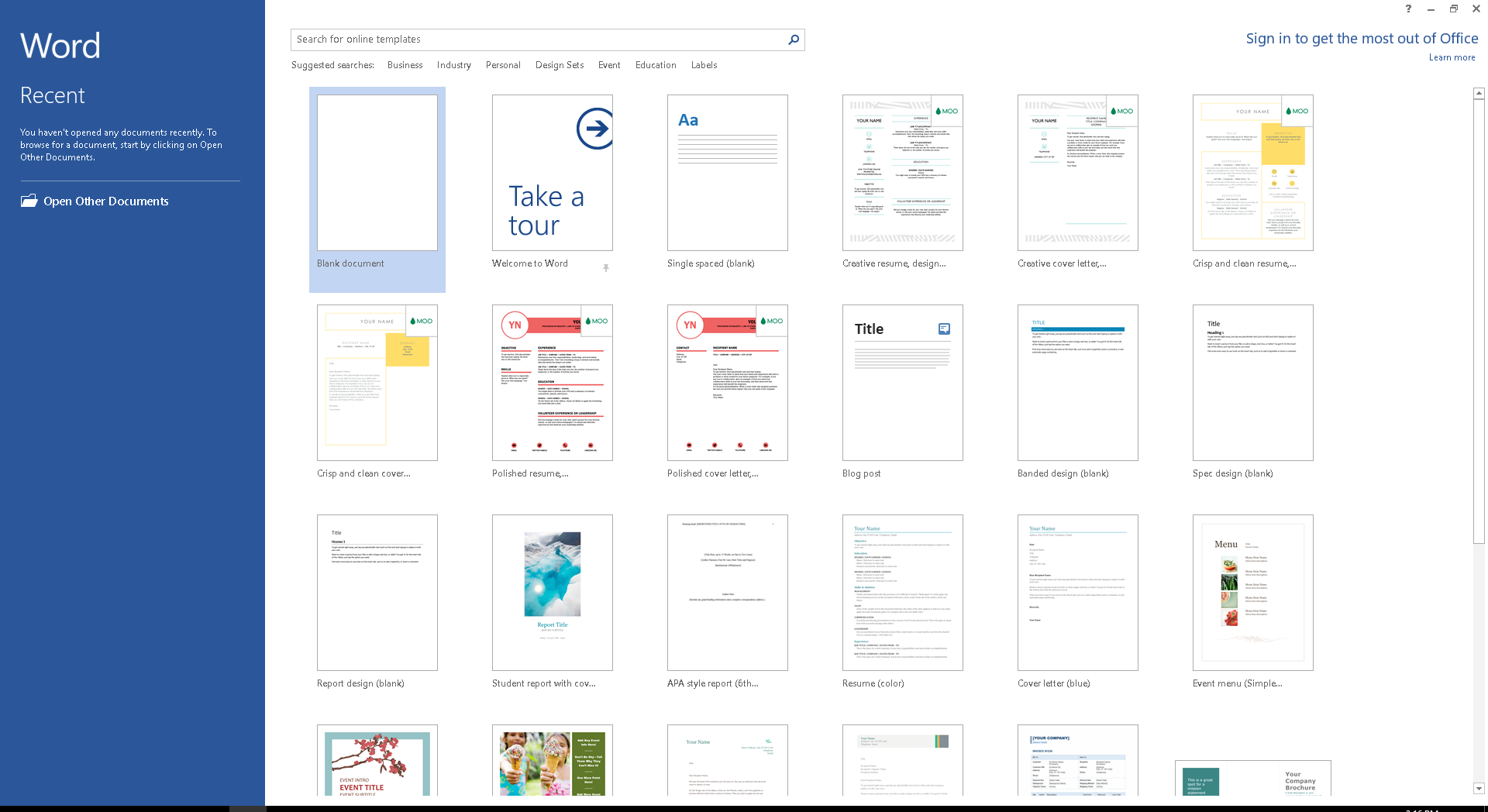
Word will open to a screen showing Recent documents, a series of templates, and the  Open Other Documents button.
Click the Open Other Documents menu item.
You should now be on the Open screen.
Note
If you are already in Word, you can click the File menu to open the Open screen.
You should now see an option for Infinity Vault.
Click  to activate the option for Infinity Vault Documents.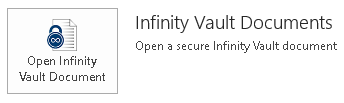
Click  to launch the Open Infinity Vault Document dialog.
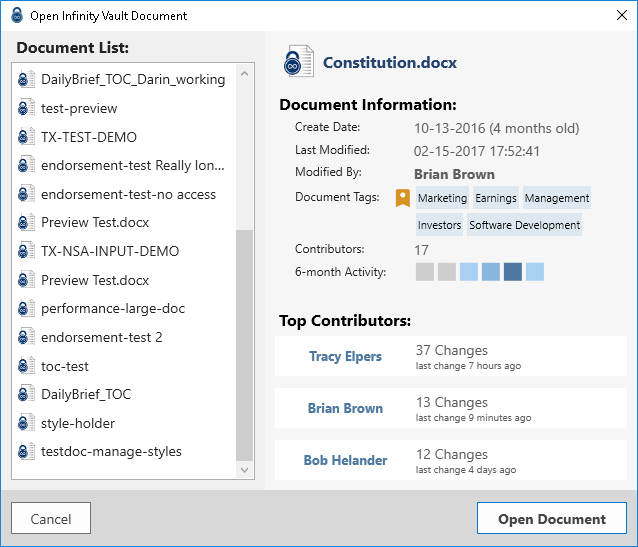
You should now see a list of documents to which you have access on the server selected. As you scroll through the documents the statistics will update giving you additional information about the document currently highlighted. Double-click the document or single-click to highlight a document and click the Open Document button to open Infinity Vault.
Summary
You should now be able to locate and open existing documents on a selected Infinity Vault Server.