Infinity Vault Interface Overview
This document will provide an overview of the interface for Infinity Vault for Office.
Infinity Vault Ribbon Menu
The InfinityVAULT ribbon menu  will bring up two options to select from:
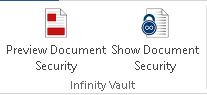
Show Document Security will toggle the Infinity Vault Security Pane in the event that is closed or detached from it's usual location on the right side of the screen.
Preview Document Security will open a second instance of an Infinity Vault document. This view can be used to show how the document will appear to other users and Security Styles that have been granted rights to the document. This view will be discussed in greater detail later in the documentation.
Infinity Vault Security Editor
Once you have a secured document open in Infinity Vault, you will find the Security Editor sidebar.
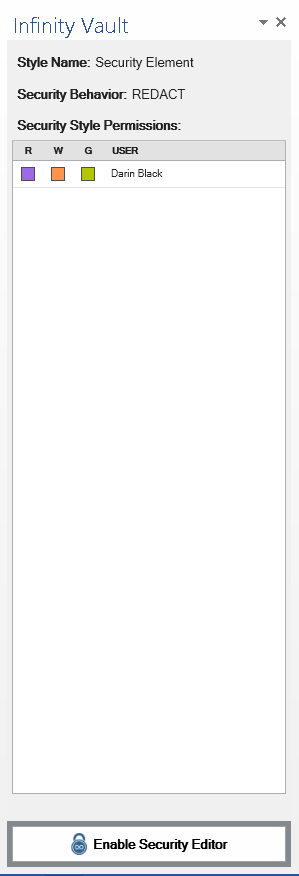
The Security Editor sidebar is used to create new Secure Sections, add, edit, and remove permissions for users or groups, assign Endorsements, and modify Document Security.
We will go into this in much greater detail in the Security Styles section of How Do I later in this documentation.